Cursor Sayaka Maizono For Chrome
Try this cursor
Preview Cursor Sayaka Maizono For Chrome in this sandbox. Hover and click - no extension needed for a test on this page. Download PNG, JPG, or CUR
Move here to see the default cursor
 DefaultMove around the board
 PointerHover a button or link
Description
Discover the charm of Sayaka Maizono, the Ultimate Pop Star. Sayaka's captivating, cheerful, and caring nature, combined with her enchanting voice and dance skills, are beautifully represented in this cute cursor design featuring her and a microphone pointer. Brighten your screen with this delightful addition.
What's included in the package
- Default Cursor
- Pointer (Hand)
How to install a custom cursor pack Cursor Sayaka Maizono For Chrome
Install the Cursor Space extension for Chrome or Cursor Space for Edge in your browser.
On this page, click "Add this cursor pack to the extension".
Open the extension and go to the Packs tab.
Find the custom cursor pack "Sayaka Maizono cursor" and click it.
Enjoy!
Ready to install?
Get this cursor pack and thousands of others by installing our extension. It's fast and free!
Install for ChromePopular cursors today
Most installed packs in Anime Cursor Collection - add them to Chrome or Edge in one click.
- Top 1
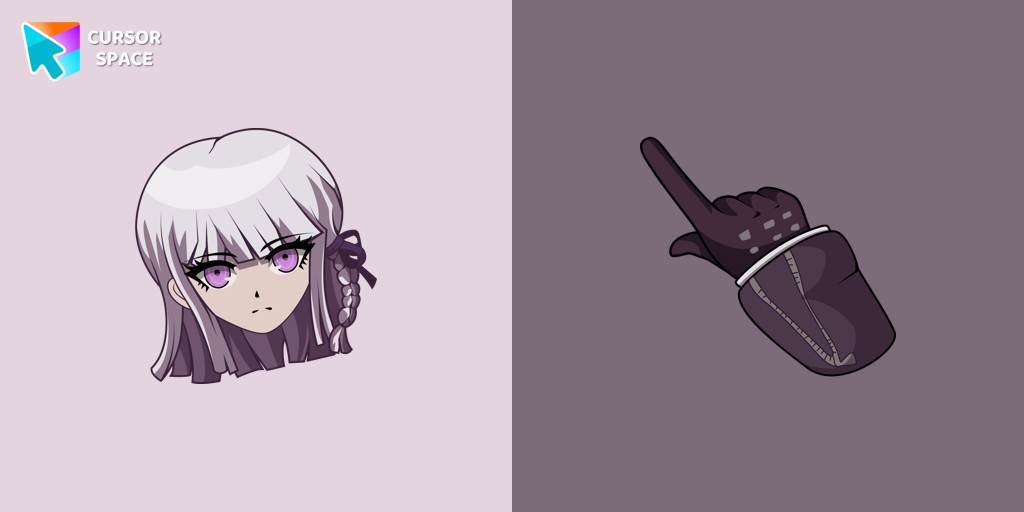 Danganronpa Kyoko Kirigiri cursorA Class 78 student at Hope's Peak Academy and member of the Killer School Life, she is reserved, mysterious, and skilled at analyzing evidence.
 - Top 2
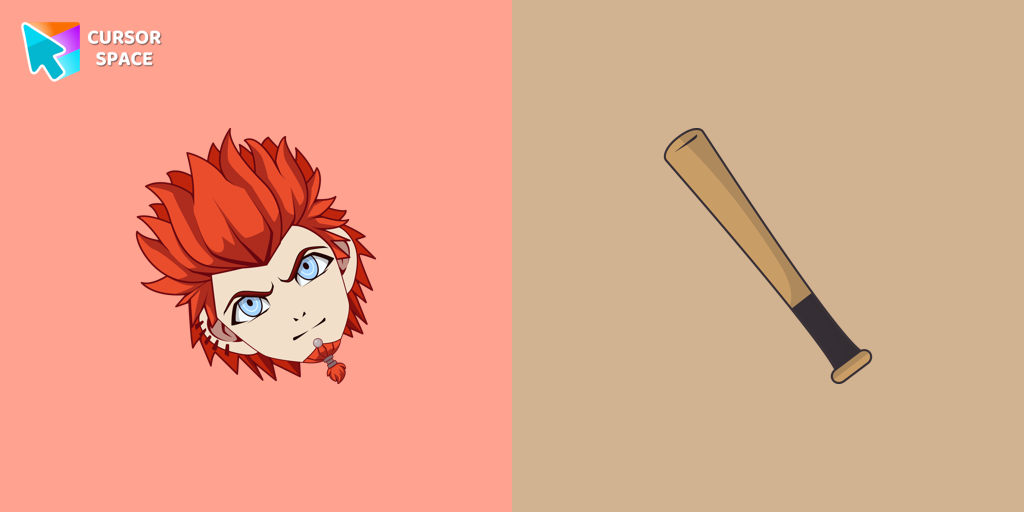 Leon Kuwata cursorA student of Hope's Peak Academy Class 78 and a member of the Killing School Life in Danganronpa, featured in our collection of the same name as a cursor
 - Top 3
 Byakuya Togami cursorExplore custom cursor collections featuring Byakuya Togami, pixel art, and gaming icons. Perfect for personalizing your browsing experience!
  Makoto Naegi cursorEnhance your browsing with Makoto Naegi, the Ultimate Lucky Student, by using our custom cursor. Swap your default cursor for Makoto Naegi's image for a unique touch.
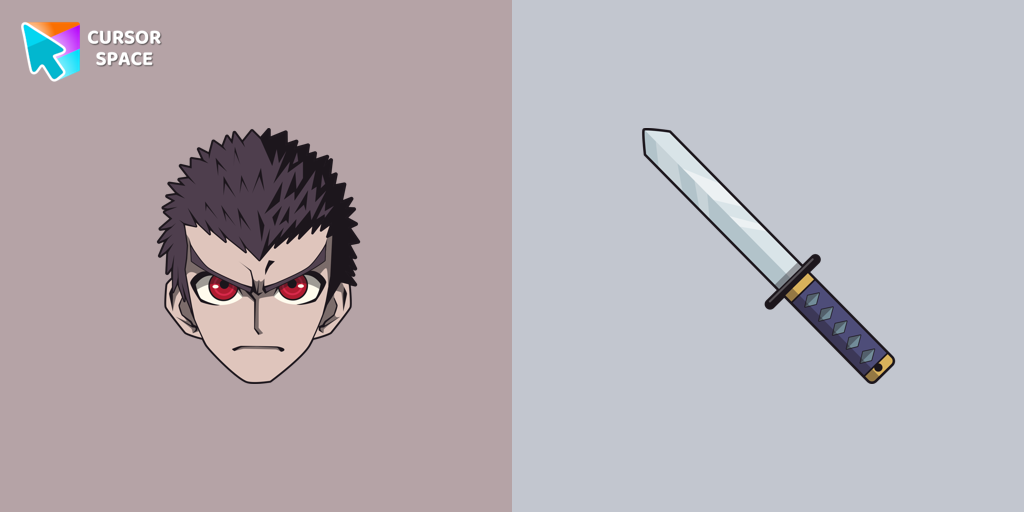 Kiyotaka Ishimaru cursor - danganronpaDiscover the commitment of Kiyotaka Ishimaru, the Ultimate Attendant, featured in our custom cursor collection.
 Hagakure Yasuhiro cursorDiscover the realm of Hagakure Yasuhiro, the Ultimate Diviner, through our custom cursor collection.
Collection hits
Installation leaders from "Anime Cursor Collection": free packs, neon/anime/pixel art, quick add to Chrome and Edge.
- Top 1Danganronpa Kyoko Kirigiri cursorA Class 78 student at Hope's Peak Academy and member of the Killer School Life, she is reserved, mysterious, and skilled at analyzing evidence.
- Top 2Leon Kuwata cursorA student of Hope's Peak Academy Class 78 and a member of the Killing School Life in Danganronpa, featured in our collection of the same name as a cursor
- Top 3Byakuya Togami cursorExplore custom cursor collections featuring Byakuya Togami, pixel art, and gaming icons. Perfect for personalizing your browsing experience!
- Makoto Naegi cursorEnhance your browsing with Makoto Naegi, the Ultimate Lucky Student, by using our custom cursor. Swap your default cursor for Makoto Naegi's image for a unique touch.
- Kiyotaka Ishimaru cursor - danganronpaDiscover the commitment of Kiyotaka Ishimaru, the Ultimate Attendant, featured in our custom cursor collection.
- Hagakure Yasuhiro cursorDiscover the realm of Hagakure Yasuhiro, the Ultimate Diviner, through our custom cursor collection.
Install Cursor Space - A Collection of Custom Cursors for Chrome & Edge
Add packs instantly and unlock access to thousands of cursors: neon, anime, pixel-art, and more. Fast, safe, and free.
- Free cursor packs
- HD/HiDPI & animated icons
- Quick browser installation
Cursor Space is an extension for changing your mouse cursor in Chrome and Edge browsers: themed collections, HiDPI icons, neon, animated, and pixel cursors, with quick installation.